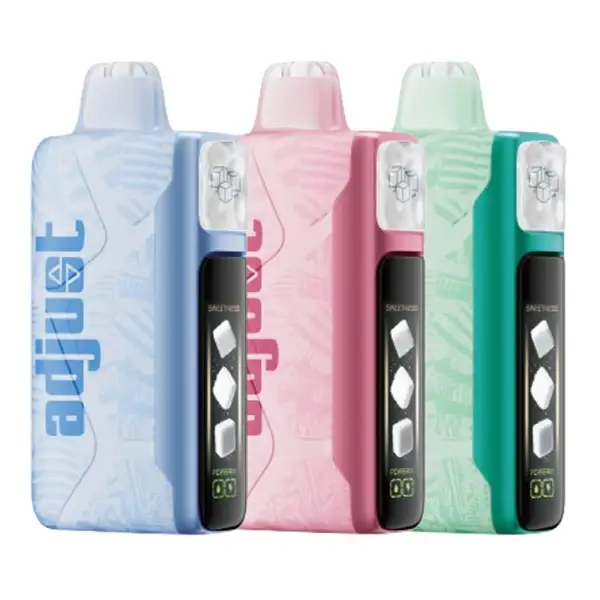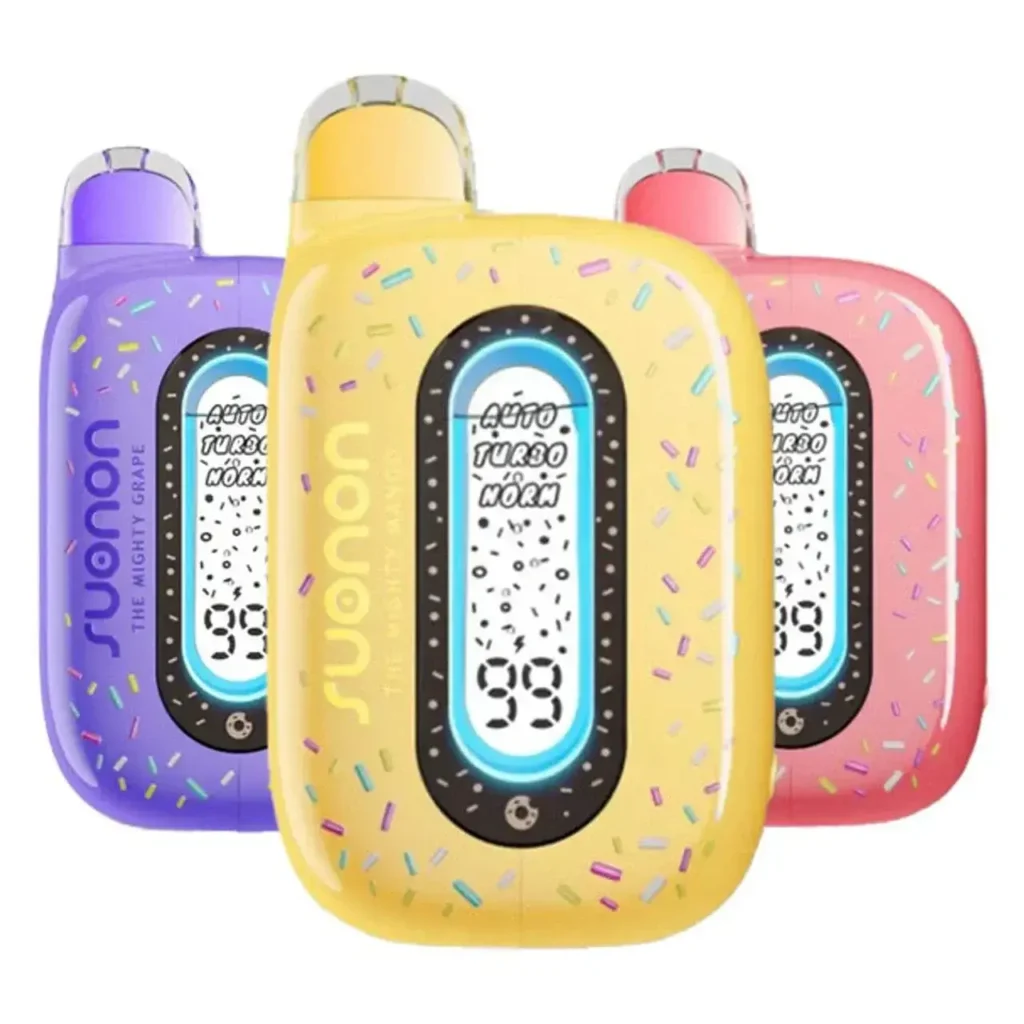
Let me be upfront: RAZ vapes don't have a factory reset button. They're sealed disposable devices — there's no software to reboot, no firmware to flash, and no pinhole to poke. But "how to reset RAZ vape" is one of the most searched questions about these devices, and the real question behind it is almost always: my RAZ vape stopped working — how do I fix it?
This guide covers every common failure mode across the full RAZ lineup (TN9000, LTX 25000, RYL Classic 35K, RX 50K, VUE 50K) and gives you the actual fix for each one — or tells you honestly when there isn't one.
Never attempt to open, disassemble, or modify a RAZ vape. These devices contain lithium-ion batteries that can be dangerous if punctured or short-circuited. If the troubleshooting steps below don't resolve your issue, the safest course of action is to replace the device.
Not Hitting / No Vapor · Not Charging · Burnt Taste · Blinking Light · Screen Issues · Weak Hits · Auto-Firing · VUE 50K Specific
Problem: Not Hitting / No Vapor
This is the most common issue and the one most likely to have a simple fix. Work through these checks in order — about 80% of "dead" RAZ vapes are resolved in the first three steps.
Check 1 — Remove the packaging seals. Every new RAZ device ships with a protective sticker over the bottom airflow holes and a silicone plug inside the mouthpiece. If you didn't remove both, the draw sensor can't detect your breath and the device won't fire. This accounts for roughly 30% of "broken device" support tickets.
Check 2 — Is the battery dead? Look at the screen. If it's completely dark and won't light up at all, the battery is drained. Plug in a USB-C cable and charge for at least 15–20 minutes before trying again. If the screen lights up during charging, the device is fine — it just needed power.
Check 3 — Is the airflow open? Check the bottom slider. If it's fully closed, almost no air can pass through, and the draw sensor may not activate. Open the airflow to at least the midpoint and try again.
Check 4 — Clear the airflow path. Condensation, pocket lint, or e-liquid buildup can clog the mouthpiece or airflow channel over time. Remove the mouthpiece cover (if applicable) and gently blow through the mouthpiece — not inhale — to push any blockage out through the bottom airflow holes. Wipe the mouthpiece with a dry cloth.
Check 5 — Try a slow, steady draw. Quick, sharp puffs may not trigger the draw sensor reliably. Take a slow 3-second inhale. If you feel any resistance, the device is likely working — you may just need to adjust airflow.
Still nothing? If the screen lights up, the battery is charged, airflow is clear, and seals are removed, but you still get no vapor — the internal coil or sensor may be defective. This is a DOA (dead-on-arrival) unit. If you purchased from VapesOnlineShop, contact our support team for a replacement.
Problem: Not Charging
Fix 1 — Try a different cable. Not all USB-C cables are equal. Some cheap cables don't carry enough power. Try a different cable — ideally one that you know works for charging a phone or other device.
Fix 2 — Try a different power source. Plug into a standard USB wall adapter (5V/1A or 5V/2A phone charger) or a computer USB port. Avoid high-wattage laptop chargers (MacBook 67W/96W adapters, for example) — the device's battery management chip may reject the charge for safety reasons. This is one of the most overlooked causes of charging failure.
Fix 3 — Clean the charging port. The USB-C port on the bottom of the device can accumulate pocket lint and dust. Use a wooden toothpick (not metal) to gently clear any debris from inside the port. Blow into the port to remove loose particles.
Fix 4 — Let a fully dead device charge longer. If the battery was completely drained to zero, the device may take 5–10 minutes of charging before the screen turns back on. Don't assume it's broken after 30 seconds — give it at least 15 minutes on the charger before calling it dead.
Still not charging? The battery management chip or the port itself may be damaged. If the device is new, it's likely a manufacturing defect — contact the retailer for a replacement.
Problem: Burnt Taste
A burnt taste means the mesh coil is heating dry cotton instead of e-liquid. This is harsh, unpleasant, and usually means one of two things.
Cause 1 — You didn't prime the device. If a brand-new device tastes burnt on the very first puff, you skipped the saturation step. After removing the seals, you need to wait 2 full minutes for the e-liquid to soak into the coil wick. Unfortunately, if the coil has already been damaged by a dry hit, the burnt taste may persist even after waiting. Try taking a few gentle puffs — sometimes the wick recovers. If it doesn't, the device is likely ruined.
Cause 2 — The e-liquid is running low or empty. Check the screen — if the e-liquid indicator shows zero or near-zero bars, the tank is depleted. The device should automatically stop firing when empty to prevent this, but it doesn't always catch the exact moment. Once you taste burnt, there's not enough juice left to vape. It's time for a new device (or new pod, for the VUE 50K).
Cause 3 — Chain vaping. Rapid consecutive puffs without pause don't give the wick enough time to re-absorb e-liquid between hits. The coil heats up, the wick dries out, and the next puff tastes burnt. Solution: wait 5–10 seconds between puffs. If you've already gotten a burnt hit from chain vaping, set the device down for 2–3 minutes to let the wick fully resaturate, then try again with slower draws.
Problem: Blinking Light / LED Flashing
Blinking patterns on RAZ devices are diagnostic signals. Here's what each pattern typically indicates:
| Blink Pattern | Likely Cause | Fix |
|---|---|---|
| Rapid blinking (3–5 times) | Low battery | Charge via USB-C for 30–60 min |
| Continuous rapid flashing | Short circuit protection activated | Stop using. Try different cable if it happened during charging. If during vaping, device may be defective. |
| Slow pulsing | Currently charging | Normal — wait for screen to show 100% |
| Blinks then stops | E-liquid empty | Device is done. Replace it. |
| Light on but no vapor | Auto-fire protection (sensor jammed) | See Auto-Firing section below |
If the blinking pattern doesn't match any of the above, or the device alternates between normal function and random blinking, it's likely an internal electrical issue. Replace the device.
Problem: Screen Issues
White screen / blank display: This usually indicates a display connection issue or a software freeze in the screen controller. Try charging the device fully — sometimes a complete charge cycle resets the display. If the screen stays white or blank after a full charge, the display module is likely defective. The device may still function for vaping even with a dead screen, but you'll lose the ability to monitor battery and e-liquid levels.
Distorted icons / garbled display: If the screen shows jumbled graphics, it's typically caused by physical impact (dropping the device). There's no user-fixable solution for display damage on a sealed disposable. The device usually still vapes fine — the screen is cosmetic.
Screen dims or flickers: Check if you accidentally activated Dark Mode (long-press the side button for 5 seconds on the LTX 25000, or cycle light modes on the RX 50K). Also check battery level — screens automatically dim when the battery drops below 10% to conserve power.
Problem: Weak Hits / Low Vapor
Check your mode setting. If you're in Normal Mode, the wattage is deliberately lower — less vapor, less throat hit, more puffs. Switch to Boost (or Super Boost on the RX 50K) for a stronger hit. This is the most common reason for "weak" vapor on multi-mode devices.
Check your airflow. Fully open airflow dilutes the vapor with more air, making hits feel lighter. Close the airflow to the midpoint or below for denser, more concentrated vapor.
Check the battery level. When battery drops below 15%, the device automatically reduces power output to protect the remaining charge. This makes hits noticeably weaker. Charge the device and try again.
Check e-liquid level. Low e-liquid means less juice reaching the coil, resulting in thinner vapor. If the screen shows the e-liquid indicator in the red zone, the device is nearly finished.
Problem: Auto-Firing (Fires Without Inhaling)
If your RAZ vape produces vapor without you drawing on it, stop using it immediately. Auto-firing is a sensor malfunction and, while rare, poses a safety risk.
Immediate action: Block the airflow completely by closing the bottom slider. This may stop the auto-fire by cutting off airflow to the sensor. Do not put the device in your pocket or bag while it's auto-firing.
Possible cause: E-liquid or condensation has leaked onto the draw sensor, causing it to register a false activation. If blocking the airflow stops the auto-firing, try gently blowing through the mouthpiece to clear any liquid from the sensor area. Open the airflow partially and test with a single draw.
If it persists: Stop using the device. Do not attempt to open it. Dispose of it safely at an electronic waste recycling point. Contact the retailer for a replacement if the device is new.
VUE 50K — Specific Issues
The VUE 50K's two-piece design introduces unique failure points that don't apply to sealed RAZ devices.
Pod not connecting to power bank: Make sure the contact points on both the pod base and the power bank top are clean and free of e-liquid residue. Wipe both surfaces with a dry cloth. Re-align the pod and press down firmly until you feel the magnetic click. If the contacts are visibly damaged or bent, the power bank may need replacement.
Pod vapes fine alone but not on the base: The contact pins on the power bank may be dirty or stuck. Clean them with a dry cotton swab. If the pins are physically recessed (pushed in), they may not make contact with the pod — try gently pulling them up with tweezers, but be extremely careful not to damage the pin housing.
Power bank charges but pod doesn't fire: The pod has its own 420mAh battery. If the pod's internal battery is completely dead and the power bank can't jump-start it, try charging the combined unit (pod + base) via USB-C for at least 20 minutes. The base charges first, then passes power to the pod.
When Resetting Won't Help
Some issues can't be fixed because disposable vapes have a finite lifespan by design. Here's how to know when your device is genuinely done:
E-liquid is empty. If the screen shows zero e-liquid or the puff counter is at zero, no amount of troubleshooting will produce more vapor. The sealed tank cannot be refilled. Replace the device (or swap the pod on VUE 50K).
Burnt taste that won't clear. If a burnt taste persists after waiting, adjusting airflow, and confirming e-liquid is present, the mesh coil is permanently damaged. This typically happens from dry-hitting a new device without priming. The device is done.
Physical damage. A device that's been dropped in water, crushed, or shows visible cracks in the body is compromised. Do not continue using it — dispose of safely.
Battery won't hold charge. After months of use (rare for disposables, since e-liquid usually runs out first), battery cells degrade. If a full charge lasts only minutes, the battery is at end-of-life.
Prevention Beats Troubleshooting
Most RAZ vape problems are avoidable: prime the coil for 2 minutes before first use, don't chain vape, charge with standard cables and adapters, store upright in a cool place, and clean the mouthpiece periodically. For full operating instructions on every RAZ model, see our RAZ Vape Instructions page.